
15 Things You Didn’t Know Your iPhone Could Do!
1.

Jess Misener
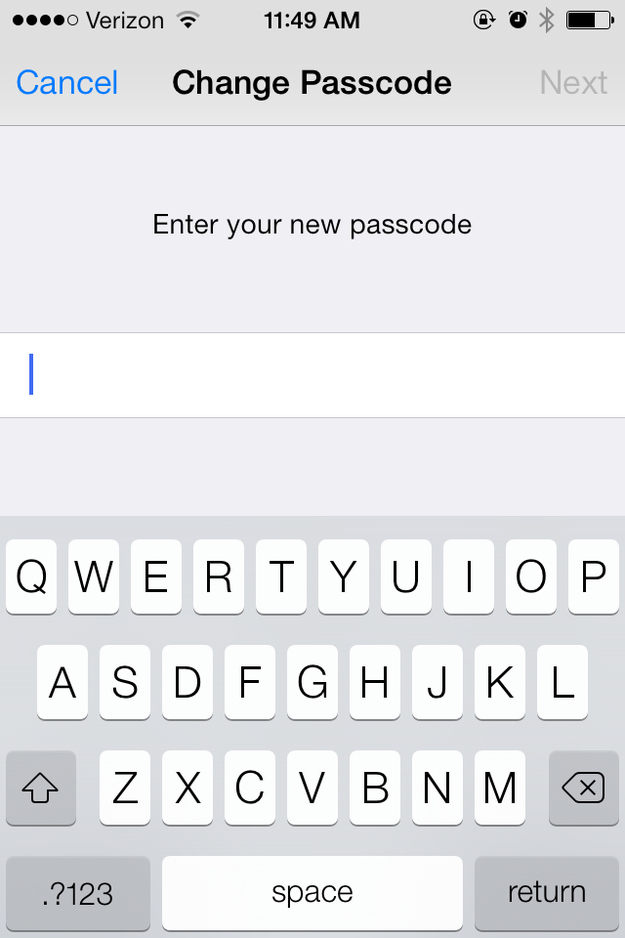
1. Go to Settings > General > Passcode Lock.
2. Turn off the setting that says “Simple Passcode.”
3. A screen will appear prompting you to change your passcode, along with a full QWERTY keyboard. The next time you unlock your phone, the keyboard will appear instead of just the number pad.
(11)